
It happens to all of us, we get it. You created your account a while back and now can’t remember if you needed a caps and a special character and a number.
Thankfully, the steps to reset your password to something you will remember are very easy:
- Navigate to your WorkCompass account Home page. If you don’t have this bookmarked, it should be the link in the invitation mail your Admin sent previously.
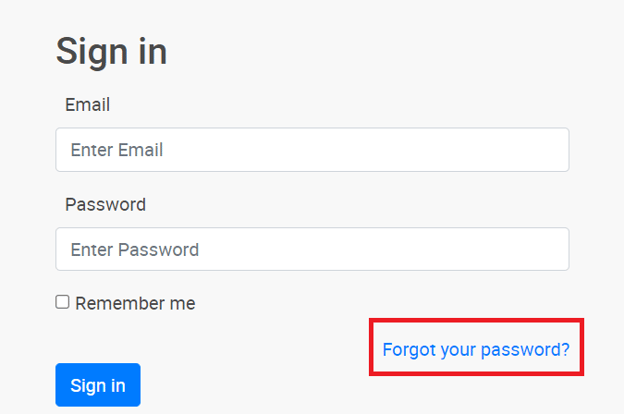
- Next, Click on the “Forgot your password?” button:
- Then enter the email associated with your WorkCompass account. Generally this is your work email address.
- Click Send password reset instructions.
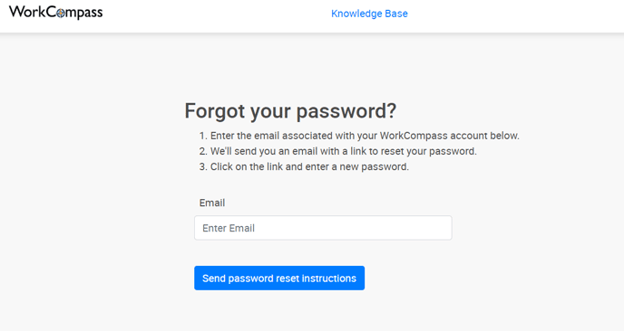
And that’s it! In just a little while you will receive an email from WorkCompass with a link to reset your password.
Once you have reset the password successfully, you should be able to log in using the regular email address and password field on your WorkCompass homepage.