
Welcome to WorkCompass!
WorkCompass is a Performance Management tool designed to ensure that you have the fairest evaluation possible when it comes to your end of year review.
Before you get started though, you need to be able to access the platform.
You should have already been sent an invitation by your Administrative team. Once you have that email, please follow the instructions below to get in and get started!
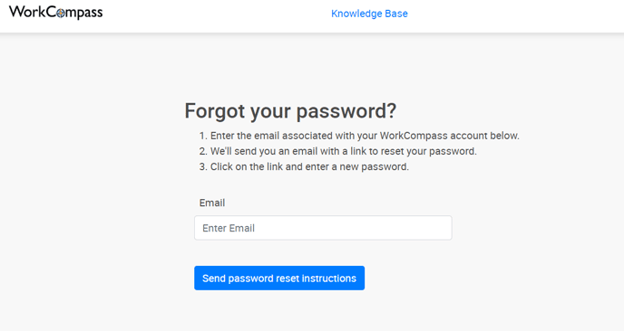
- Click the WorkCompass link you’ve received via email to create your password. Make sure to open the link in Google Chrome or Firefox. Internet Explorer and Microsoft Edge browsers do not support WorkCompass. You will be logged in automatically after setting your password.
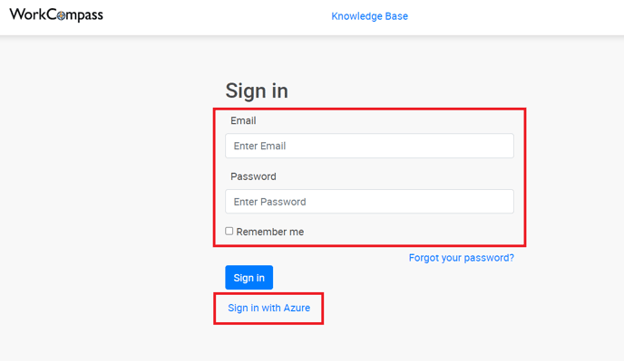
Note: You might want to bookmark this page for easy access in the future. - The next time you need to log in, navigate to your log in page and enter your work email address in the Email field.
- Next, enter the password you created in the Password field.
- Click Sign in.
And that’s it!
When you’re logged in you should be able to create your plan and move forward through the process.
We have a guide on how to complete that here.