
To unarchive a plan as a Manager or an Admin follow these steps:
- Click on My Account, then click on Profile.
- On the left side of the page under the Team section click on the name of the Employee who needs their plan to be unarchived.
- Click on the name of the plan that needs to be unarchived.
- Click the Re-open? button to change the status from archived to current.
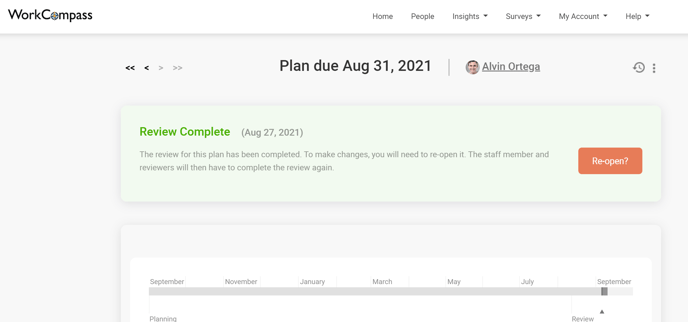
Your Employee will then receive an email notification letting them know that their plan has been reopened.